
Follow the exact track you imported
Import a GPX file and follow its original line.
What is GPX navigation?
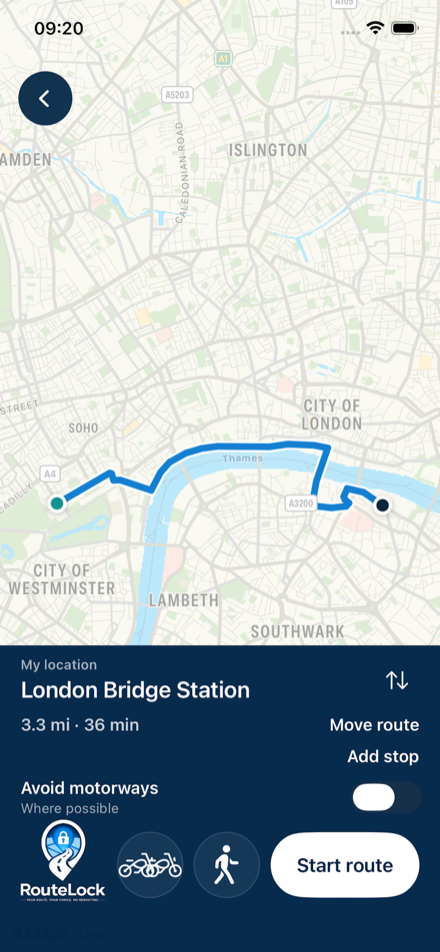
A GPX file contains a recorded track or planned route. Good Route shows that line on the map so you can follow it.
GPX import is included in the iPhone build and the Android internal test version.
How do I follow a GPX track?
- Tap Import GPX and choose your file.
- Check the route, road conditions and vehicle restrictions.
- Start navigation and follow the track on the map.
What are the limits of a GPX track?
Imported GPX tracks do not include turn instructions. A track may be out of date or include unsuitable roads. Check it before setting off and follow road signs, closures and official instructions.